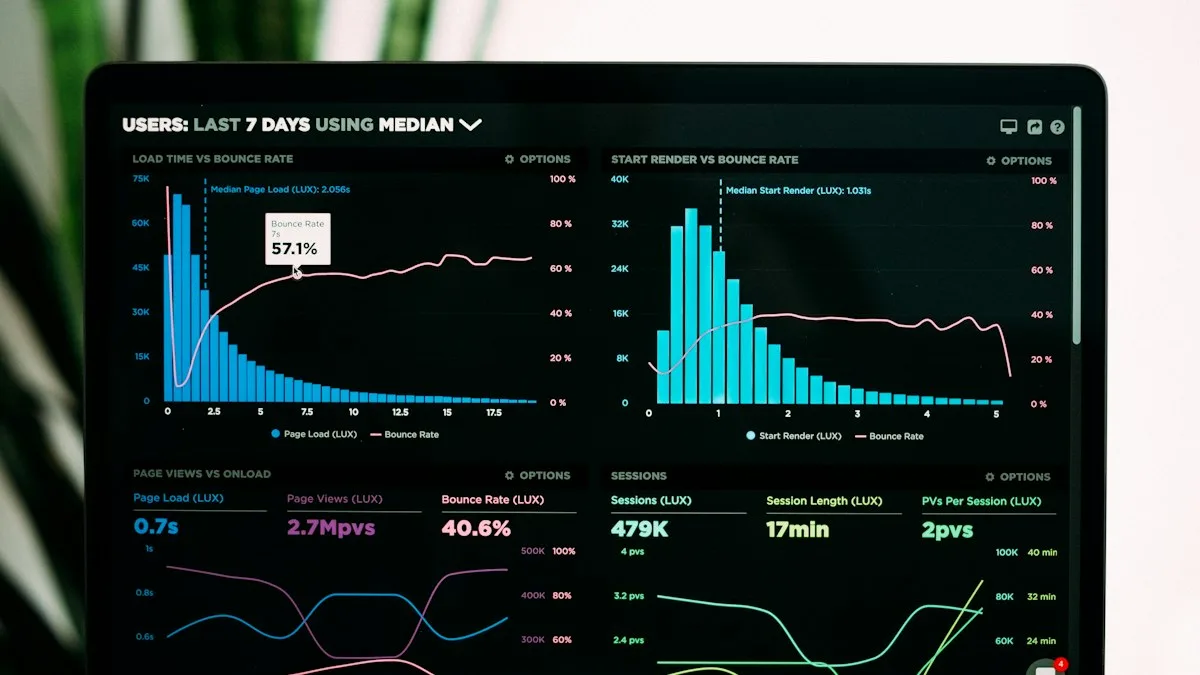
In modern web engineering, website speed is not merely a technical vanity metric – it is directly correlated with customer conversion rates and search engine rankings. According to Google research, every 100-millisecond delay in mobile page load time decreases conversion rates by up to 7%.
If your website takes 4 to 6 seconds to load on mobile 4G/5G connections, over half of your visitors leave before ever reading your headline or clicking a call-to-action button. Worse, Google's Core Web Vitals algorithm actively demotes slow websites in search results in favor of faster competitors.
In this guide, CodeAro explains how Core Web Vitals work and provides an actionable engineering checklist to achieve sub-2s load times and 90+ Lighthouse scores.
1. Decoding Google's Three Core Web Vitals
Google evaluates user experience through three standardized metrics collected from real Chrome users (CrUX report):
1. Largest Contentful Paint (LCP) – Target: < 2.5 seconds
LCP measures perceived loading speed. It marks the point when the main content of the screen (typically your hero banner, heading, or featured image) has fully rendered.
- Common Culprits: Huge uncompressed JPEG/PNG images, slow server response times (high Time-To-First-Byte / TTFB), and render-blocking CSS/JavaScript.
2. Interaction to Next Paint (INP) – Target: < 200 milliseconds
INP replaced FID (First Input Delay) as a Core Web Vital. It evaluates responsiveness by measuring the delay between a user clicking a button, menu, or link and the browser visually painting the updated frame.
- Common Culprits: Heavy JavaScript execution blocking the browser main thread, unoptimized event listeners, and bloated third-party tracking tags.
3. Cumulative Layout Shift (CLS) – Target: < 0.1
CLS measures visual stability. Have you ever tried tapping a button on a mobile site, only for an image or banner to pop in at the last second, causing the page to jump and making you click the wrong link? That is layout shift.
- Common Culprits: Images or ad banners loaded without explicit `width` and `height` dimensions, custom web fonts loading with visible FOIT/FOUT, and dynamic DOM insertions.
Pre-made themes sold on commercial marketplaces are engineered to appeal to every possible buyer. They pack hundreds of unused sliders, fonts, animations, and bundled plugins. A typical theme loads 3MB+ of JavaScript and CSS, crippling Core Web Vitals out of the box.
2. 5 Engineering Fixes for 90+ Lighthouse Performance
1. Migrate from JPEG/PNG to Next-Gen WebP/AVIF
Images account for over 60% of total page weight. Converting assets to modern WebP or AVIF formats reduces image file size by 35% to 70% with zero visible loss in quality.
Always specify native HTML dimension attributes to completely eliminate layout shifts:
<!-- Correct: Prevents Cumulative Layout Shift -->
<img src="/assets/hero.webp" alt="Clean software interface" width="1200" height="675" loading="eager" decoding="async">
2. Enable High-Performance Server Micro-Caching
Traditional database-driven web pages generate dynamic HTML on every single page hit, placing heavy CPU load on the server. Deploying server-level caching (via OpenLiteSpeed LSCache, Nginx FastCGI cache, or Redis) allows your server to deliver pre-rendered static HTML in under 30 milliseconds.
3. Eliminate Render-Blocking JavaScript
Never load non-critical scripts (chat widgets, analytics, social pixels) in the document `<head>`. Always add `defer` or `async` attributes, or load them via Google Tag Manager triggered only after window load.
4. Self-Host Clean Typography
Calling 6 different font weights from external CDNs adds multiple DNS lookups and TLS handshakes. Self-host modern WOFF2 font files directly on your server with `font-display: swap` defined in your CSS to ensure instant text visibility.
5. Leverage Cloudflare Edge Caching and Brotli Compression
Brotli compression offers 15% to 25% better compression density than traditional Gzip. Combined with edge CDN routing across Indian nodes (Mumbai, Delhi, Chennai, Bangalore), assets are served within single-digit millisecond latency to local visitors.
3. The Commercial Impact of Speed Optimization
Speed optimization isn't just an engineering flex; it generates measurable business ROI:
- Higher Organic Google Rankings: Fast pages earn priority indexing in competitive commercial niches.
- Lower Cost Per Click (CPC) on Google Ads: Faster landing pages earn higher Ad Quality Scores, reducing ad auction costs by up to 25%.
- Directly Improved Checkout Conversion: Removing friction from mobile browsing turns casual window shoppers into paying customers.
Is your business website loading slowly? Learn about our hand-crafted, high-speed custom website development or request a full speed and performance audit from CodeAro.